PRESTO CONCERT – 'MELODY OF THE JUNE STARS'
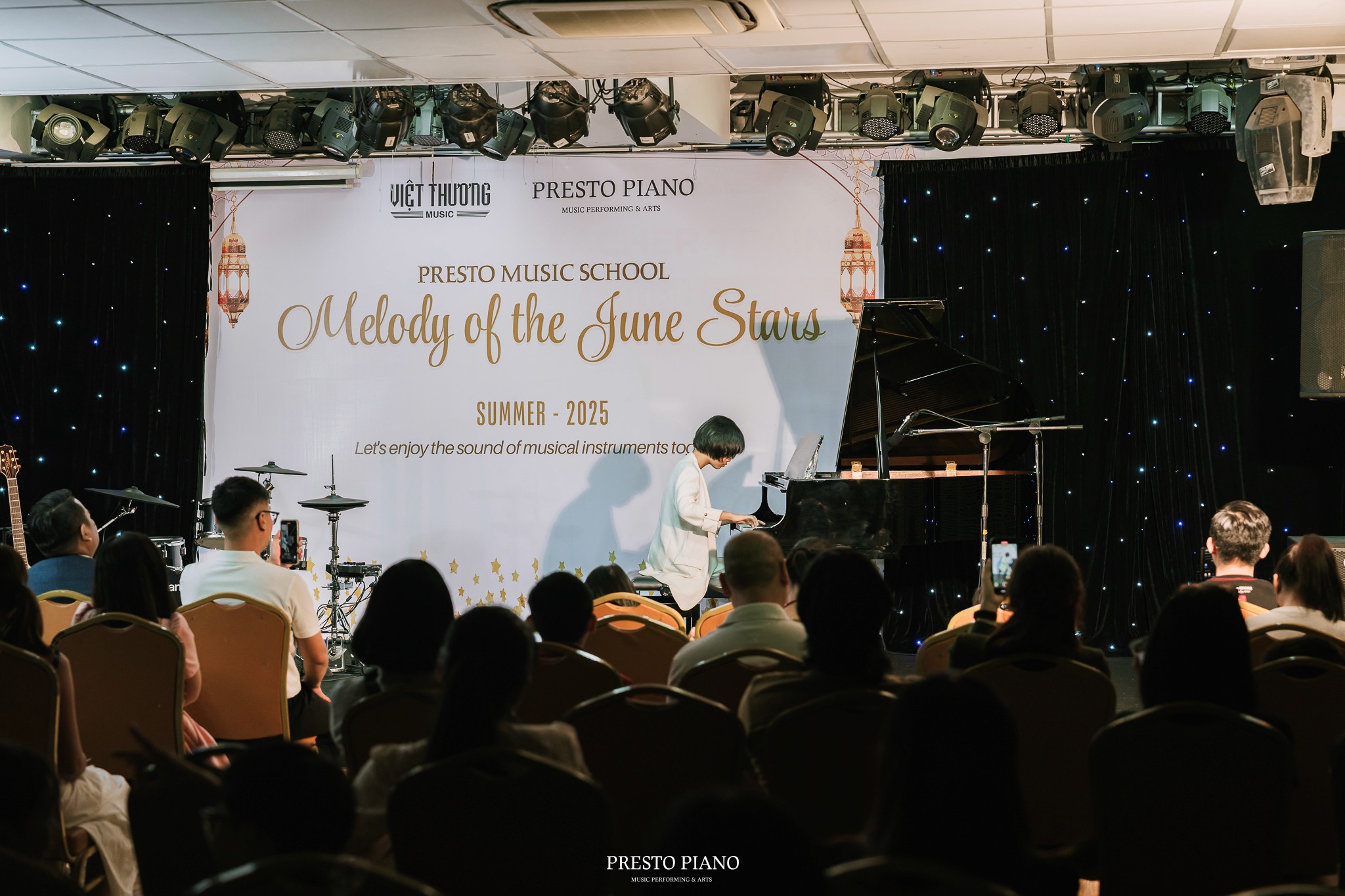
Tối ngày 22.06.2025, chương trình Presto Concert – Melody of the June Stars đã diễn ra thành công tốt đẹp trong không gian ấm áp, giàu cảm xúc và tràn đầy năng lượng nghệ thuật.
Với chủ đề “Melody of the June Stars”, buổi hòa nhạc không chỉ là dịp để các học viên Presto Music School thể hiện thành quả học tập, mà còn là sân chơi nghệ thuật giúp các em rèn luyện bản lĩnh biểu diễn, sự tự tin và niềm đam mê âm nhạc.
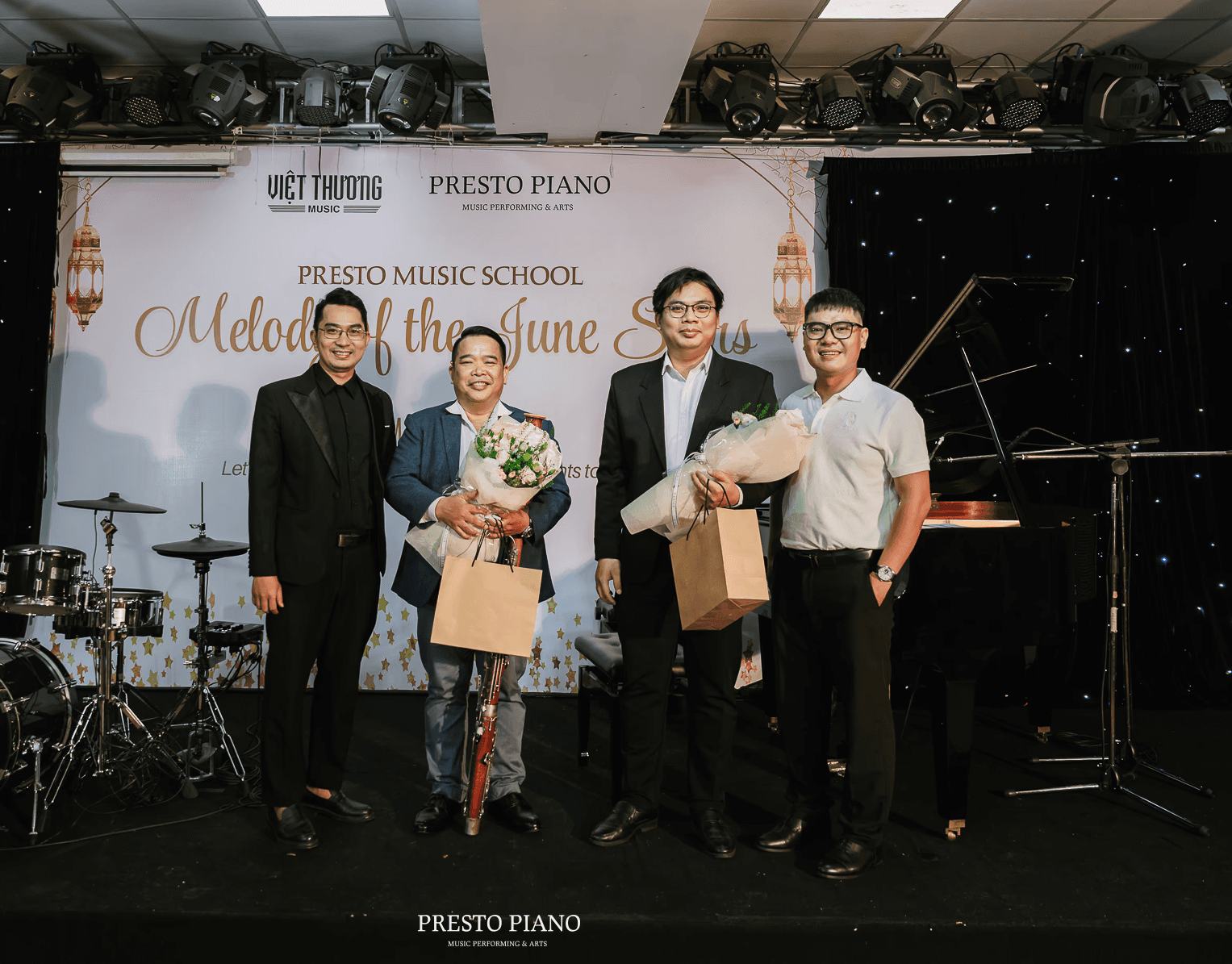
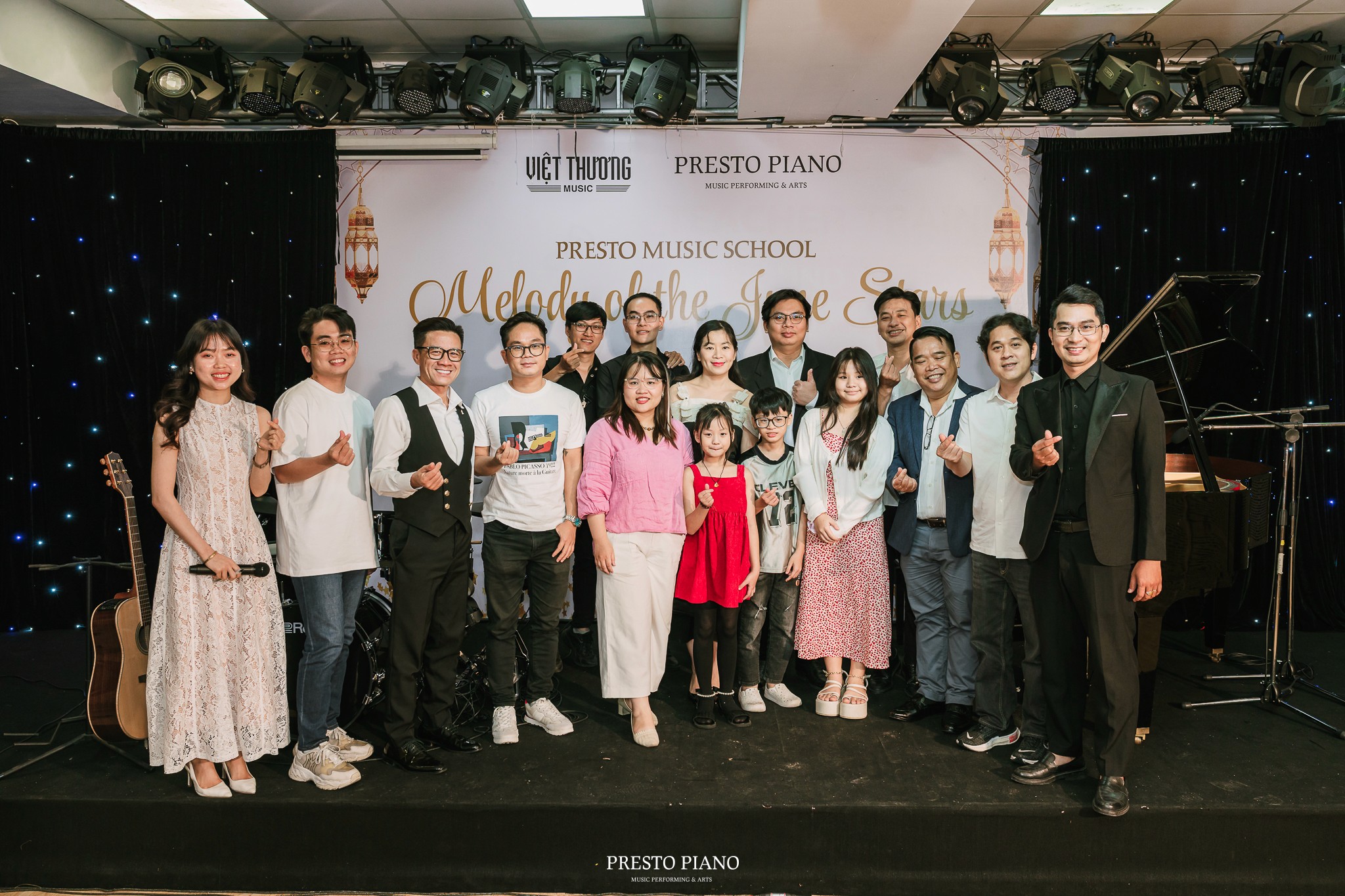
Chương trình vinh dự chào đón sự góp mặt của các nghệ sĩ khách mời gồm nghệ sĩ piano Lê Thanh Sơn đến từ Nhà hát Giao hưởng Nhạc Vũ Kịch TP. Hồ Chí Minh, nghệ sĩ clarinet Nguyễn Tuấn Lộc – giảng viên Nhạc viện TP. Hồ Chí Minh, cùng nghệ sĩ kèn bassoon (fagot) A-Tách.
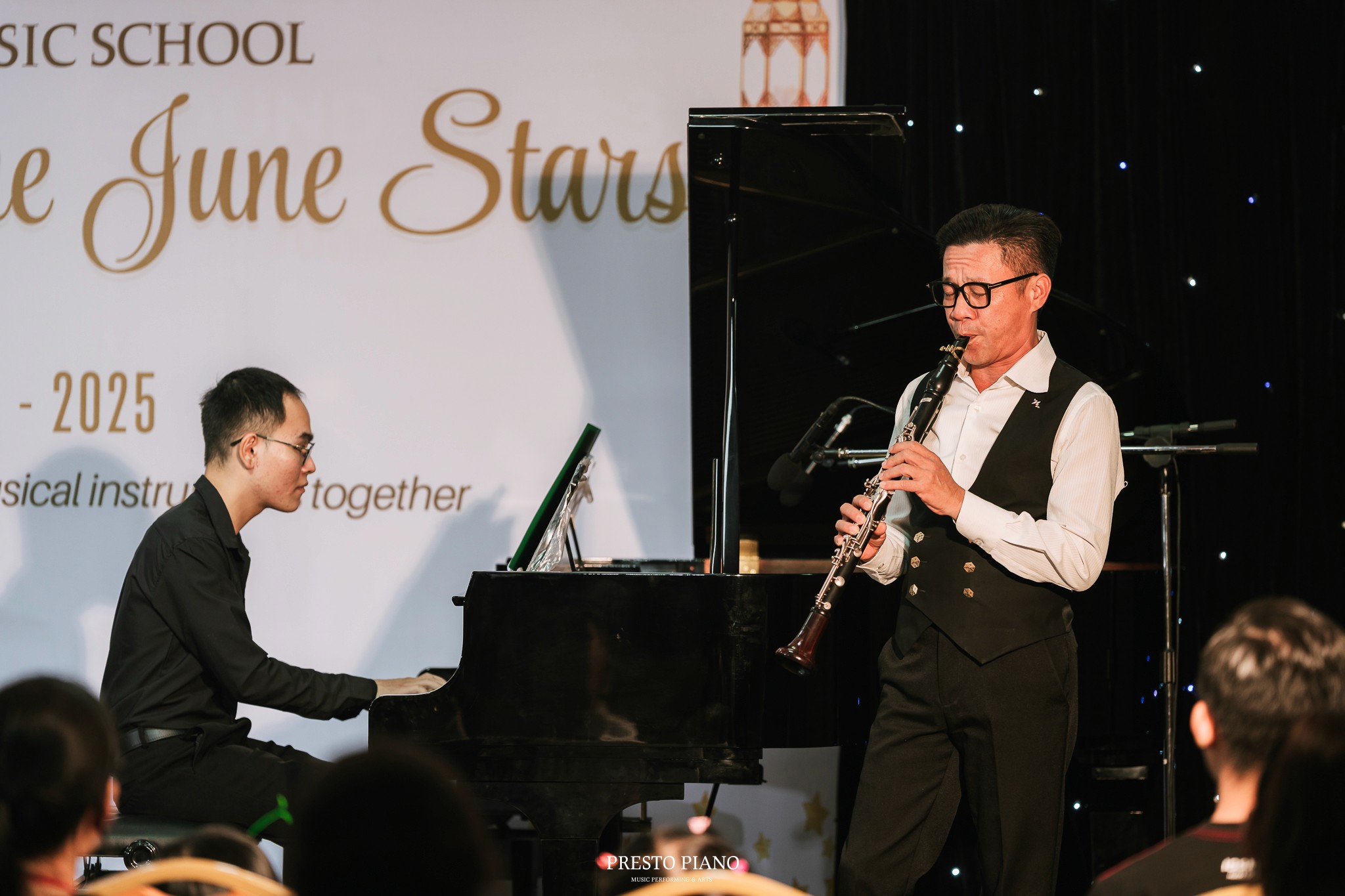
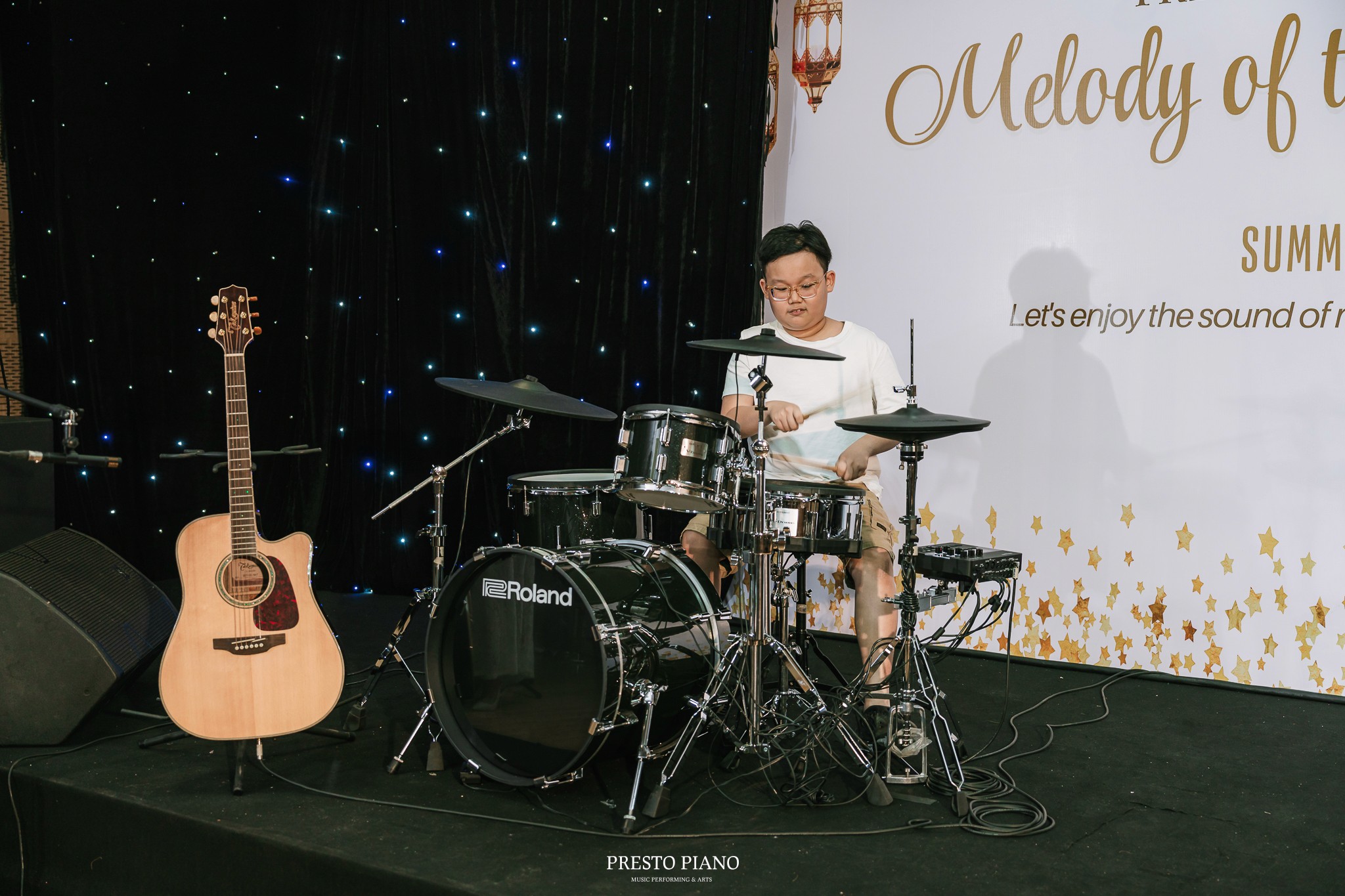
Các học viên HS – SV đang theo học tại Presto Music School đã mang đến những phần trình diễn đa dạng, nhiều màu sắc thông qua các nhạc cụ mà trung tâm đang đào tạo như Piano, Violin, Guitar, Drums, Saxophone, Clarinet, Bassoon… cùng những tiết mục thanh nhạc đầy cảm xúc.
Mỗi tiết mục là một dấu mốc ghi nhận sự tiến bộ về kỹ năng, cảm thụ âm nhạc và phong thái biểu diễn của các em sau quá trình học tập và rèn luyện nghiêm túc.
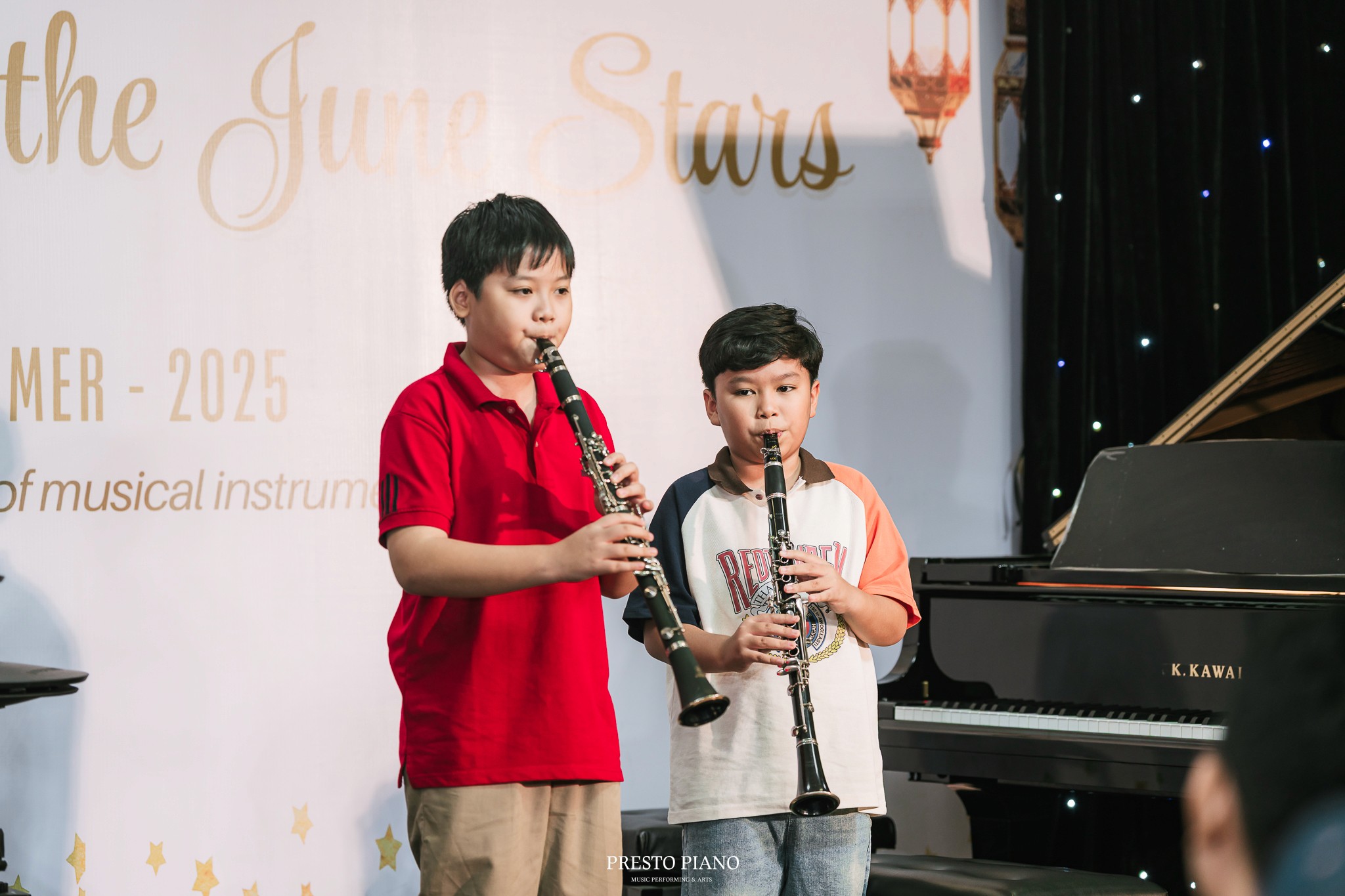
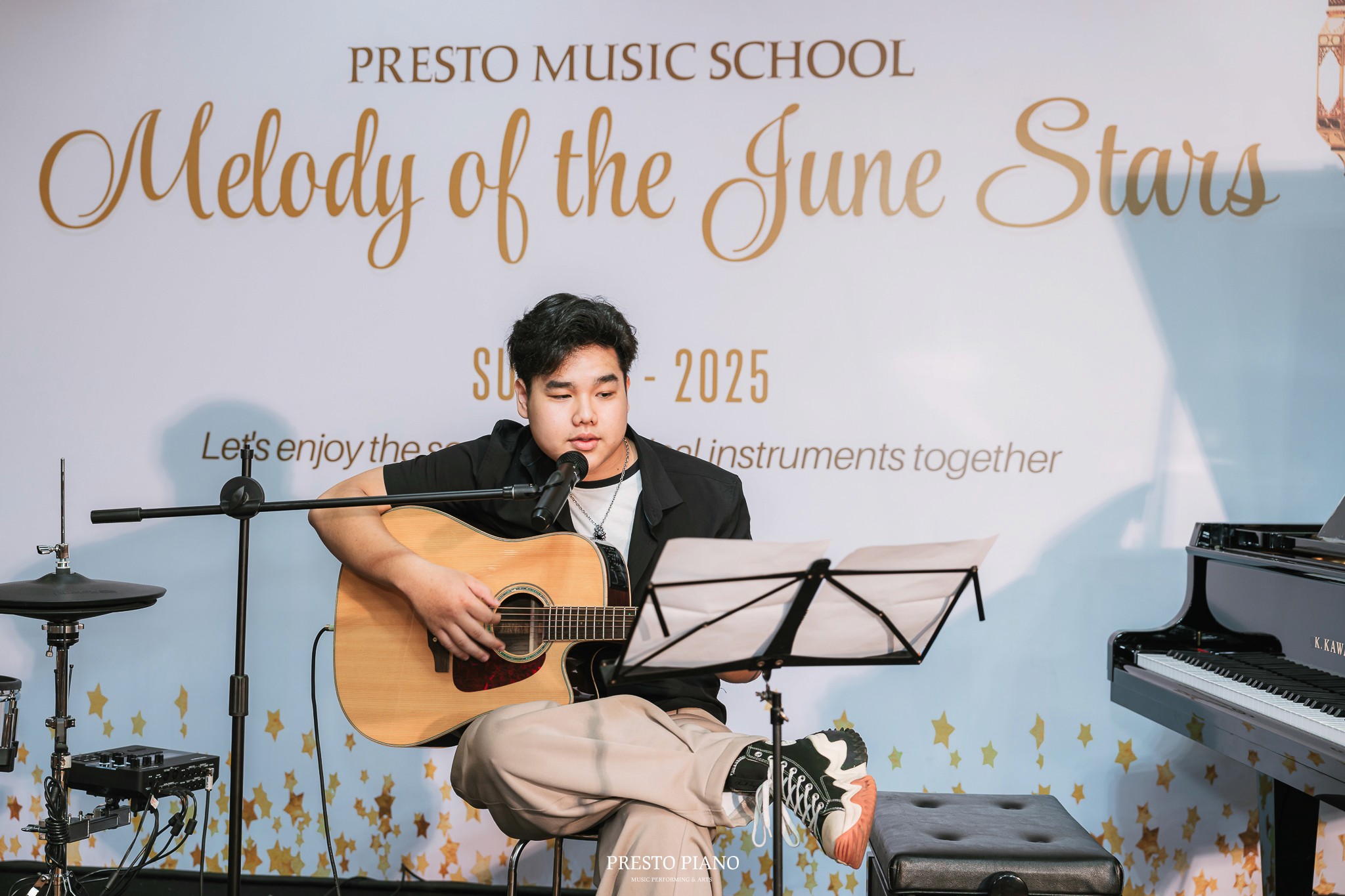
Buổi hòa nhạc diễn ra trong không khí gần gũi, thân mật với sự tham dự của quý phụ huynh, khách mời, thầy cô và bạn bè.
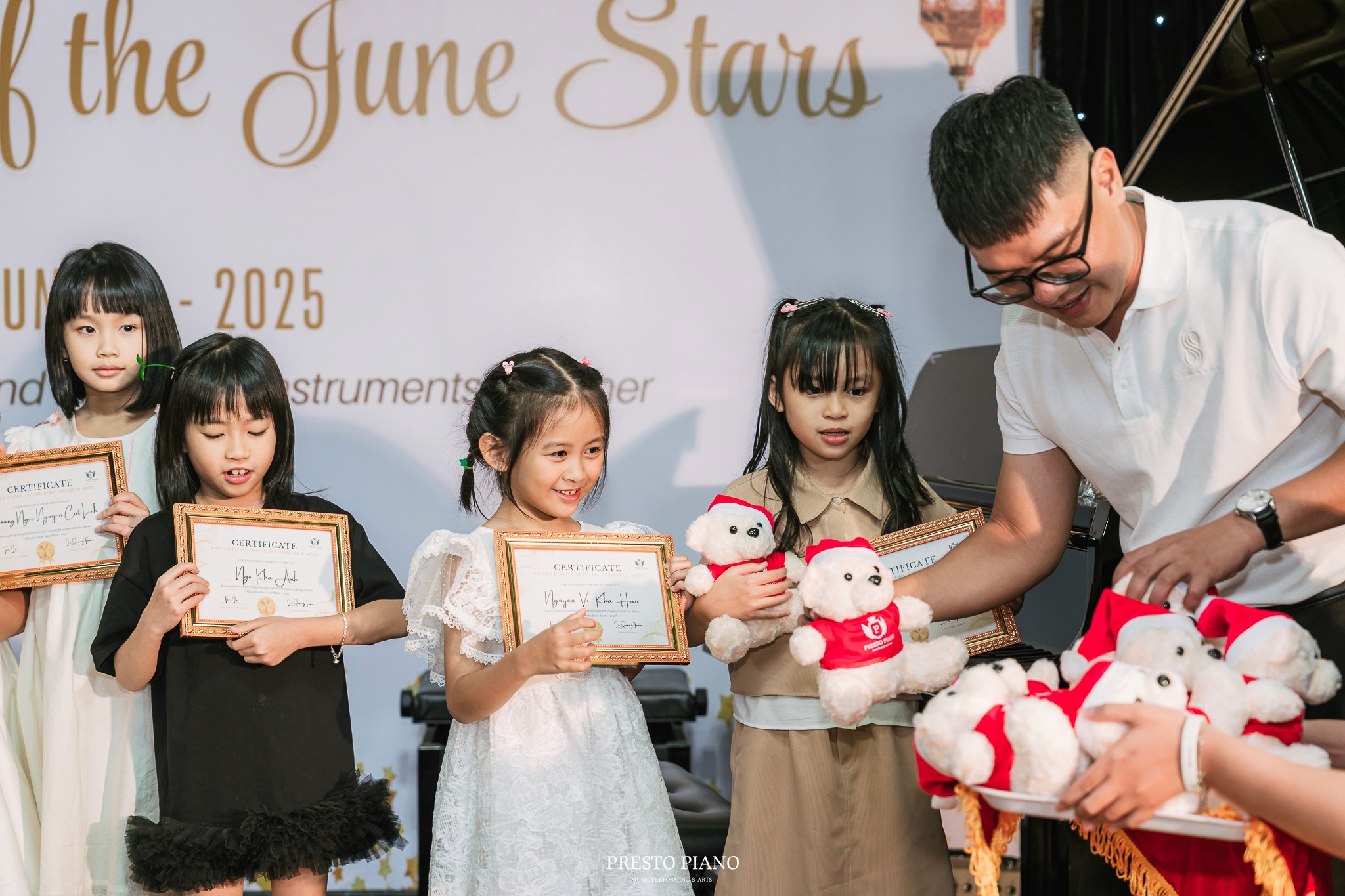
Đặc biệt, các học viên tham gia biểu diễn đã được trao quà lưu niệm và bằng khen từ Ban Tổ Chức như một sự ghi nhận và động viên tinh thần.

Presto Concert "Melody of June Stars" là không gian để học viên trình diễn thành quả học tập và làm quen với môi trường sân khấu chuyên nghiệp, đồng thời góp phần kết nối nhà trường với cộng đồng yêu âm nhạc. Presto Music School trân trọng cảm ơn sự đồng hành của các nghệ sĩ, thầy cô, học viên và khán giả đã góp phần làm nên thành công của chương trình. Đêm hòa nhạc khép lại với nhiều dư âm đẹp, mở ra những kỳ vọng cho các hoạt động nghệ thuật tiếp theo trong thời gian tới.
Presto Music School
📍 CN1: 214 Bùi Thị Xuân, P.3, Q. Tân Bình, TP.HCM
📍 CN2: Số 16, GS12, P. Đông Hòa, TP. Dĩ An, Bình Dương
📞 Hotline: 0775.538.538 - 0974.032.653 ((Mr. Tấn)
tin tức
tin tức
liên quan

Hát hay nhưng nhanh hụt hơi? 7 cách luyện hơi giúp giọng hát ổn định hơn